Modifying Properties
Jump to navigation
Jump to search
Dashboard Properties
- Select the dashboard clicking in any blank place on the design area;
- In the design side bar, click the Object tab;
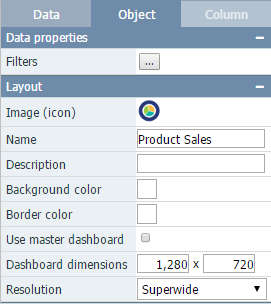
- Modify the desired properties. See Dashboard Properties for a full list of dashboard properties and its specifications.
Objects Properties
- Select the desired object(s);
- In the design side bar, click the Object tab;
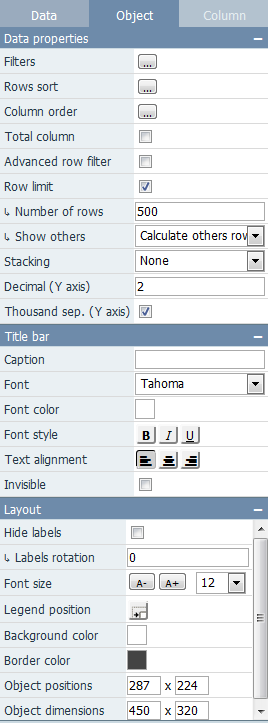
- Modify the desired properties. See Properties for a full list of object properties and its specifications.
Columns Properties
- Select the desired column by clicking on it inside the object, or by selecting it in the Selected column combo box;
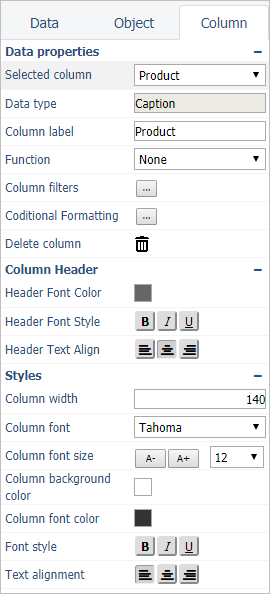
- Modify the desired properties. See Column Properties for a full list of column properties and its specifications.