Difference between revisions of "Account Creation/en"
(Updating to match new version of source page) |
(Updating to match new version of source page) |
||
| Line 1: | Line 1: | ||
| + | <languages/> | ||
| + | |||
To register for TaticView, select the Sign Up option in the homepage (http://www.taticview.com), fill the required data and confirm. | To register for TaticView, select the Sign Up option in the homepage (http://www.taticview.com), fill the required data and confirm. | ||
| Line 6: | Line 8: | ||
You can also register with your '''Facebook Account'''. You must have access to Facebook to work. | You can also register with your '''Facebook Account'''. You must have access to Facebook to work. | ||
| − | [[File:Registro+en-US.PNG]] | + | [[File:Registro+en-US.PNG|link=]] |
Revision as of 17:31, 21 September 2017
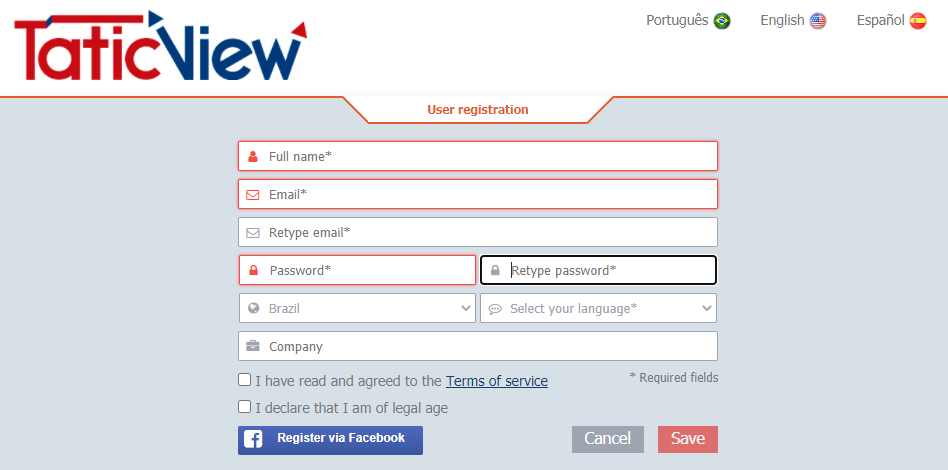
To register for TaticView, select the Sign Up option in the homepage (http://www.taticview.com), fill the required data and confirm.
A confirmation e-mail will be sent to the provided e-mail address. Click on the confirmation link to finish your account creation.
You can also register with your Facebook Account. You must have access to Facebook to work.