Import/Update data
Jump to navigation
Jump to search
To update the datasource data, follow the steps below:
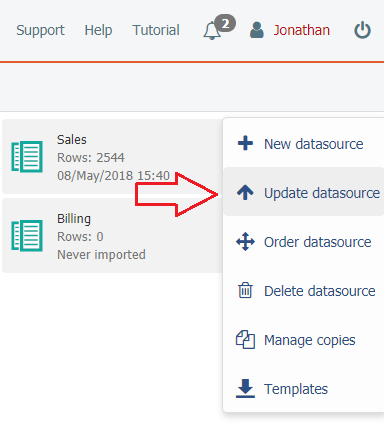
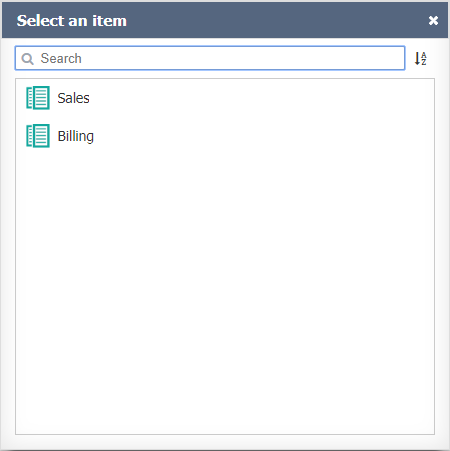
- In the select window, choose the datasource you wish to update;
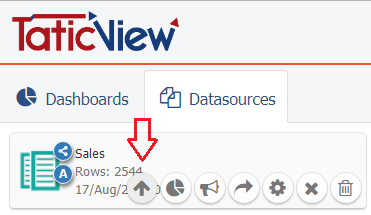
- Or click on the Update datasource, displayed when placing the mouse on the datasource card in the Main Page:
See File and identification for information on how to continue.
Important
- If you have errors during the importing process, see Importing Problems.
- The update of the data is not permitted by tablets and smartphones.