Difference between revisions of "Accept shared dashboards/en"
(Importing a new version from external source) |
(No difference)
|
Revision as of 17:31, 21 September 2017
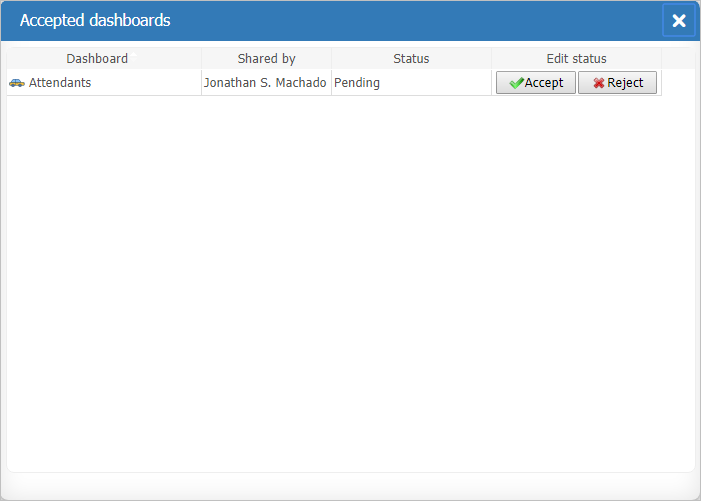
Other users can share their dashboards with you.
To check dashboards shared with you and/or accept new shared dashboards:
- Select the Accept dashboards option from the Menu (Sidebar) in the Main Page;
- Accept or Reject the new shared dashboards.
Accepted dashboards will only have the Delete option. Take care, once a share is rejected or deleted the dashboard is excluded from your list and a new invitation will need to be send by the other user.