Difference between revisions of "Translations:Saving as Supported Format/5/en"
(Importing a new version from external source) |
(No difference)
|
Latest revision as of 04:15, 20 October 2017
- First, you will have to open your spreadsheet in Excel;
- Then check if the information is being displayed correctly;
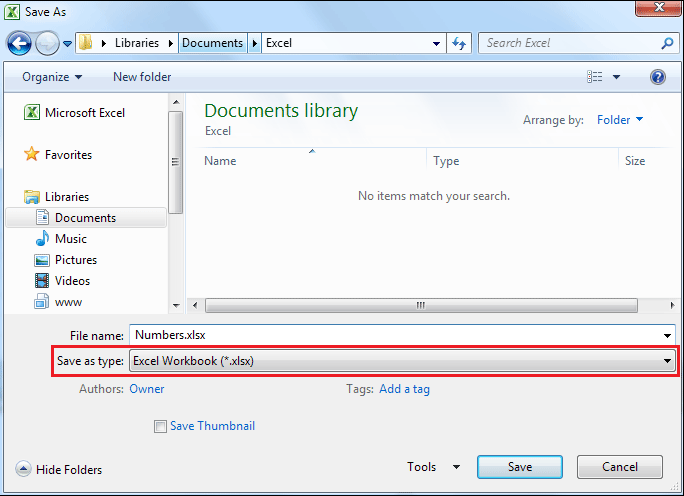
- After you have done that, go to the File option and select Save as;
- After selecting Save as, select the Excel's default format or a format that is supported by TaticView on the Save as type field: